Setup
Organization preferences
Your organization's time zone, language, currency and hours, how your sector adjusts them and what each user can customize.
Preferences define how your Organization behaves in Inspow: the time zone, the language, the currency and the operating hours. They are set when creating the organization by combining the system defaults with those of your sector.
Regional settings
Section titled “Regional settings”- Country: Colombia by default (also Mexico, Peru, Ecuador, Chile, Argentina, Panama, Costa Rica, Guatemala, Spain and the United States).
- Time zone:
America/Bogotaby default. - Currency:
COPby default. - Language: Spanish by default.
- Date format:
DD/MM/YYYY.
How the sector adjusts names and hours
Section titled “How the sector adjusts names and hours”Your sector automatically changes what your clients and the menu modules are called, and sets the default operating hours:
| Sector | What your clients are called | Default hours |
|---|---|---|
| Restaurant / food service | Beneficiaries | 06:00–20:00 |
| School | Beneficiaries | 07:00–17:00 |
| Gym | Members | 05:00–23:00 |
| Academy | Students | 07:00–21:00 |
| Club | Club members | 06:00–22:00 |
| Coworking | Coworkers | 06:00–22:00 |
| Clinic | Patients | 07:00–19:00 |
The sector also decides which modules appear in the menu. For example, a gym sees Members, Memberships and Subscriptions; an academy sees Students, Programs and Enrollments; a clinic sees Patients and Health Plans.
Some advanced options (features that can be turned on per organization, such as the WhatsApp agent) can only be turned on by the Inspow team.
Each user’s preferences
Section titled “Each user’s preferences”In addition to the organization’s, each person adjusts their own from their user menu (bottom left, over their name):
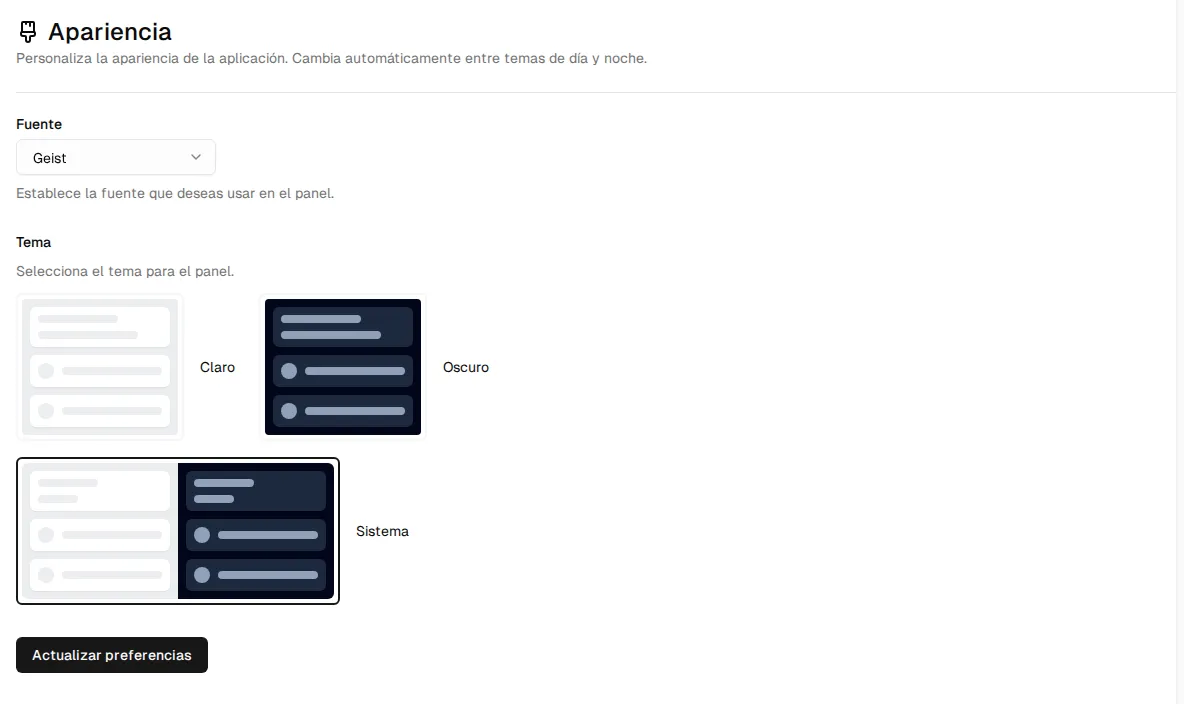
- Appearance: the font and the theme (light, dark or system). It is saved in that browser.
- Notifications: through which channels they receive each notification. See Notifications.
- The interface language (Spanish, English or French), with the flags in the side menu.