

Business guide
Set up and manage your organization in Inspow — plans, subscriptions, billing, roles and permissions.
This guide is for administrators and staff who manage an organization in Inspow.
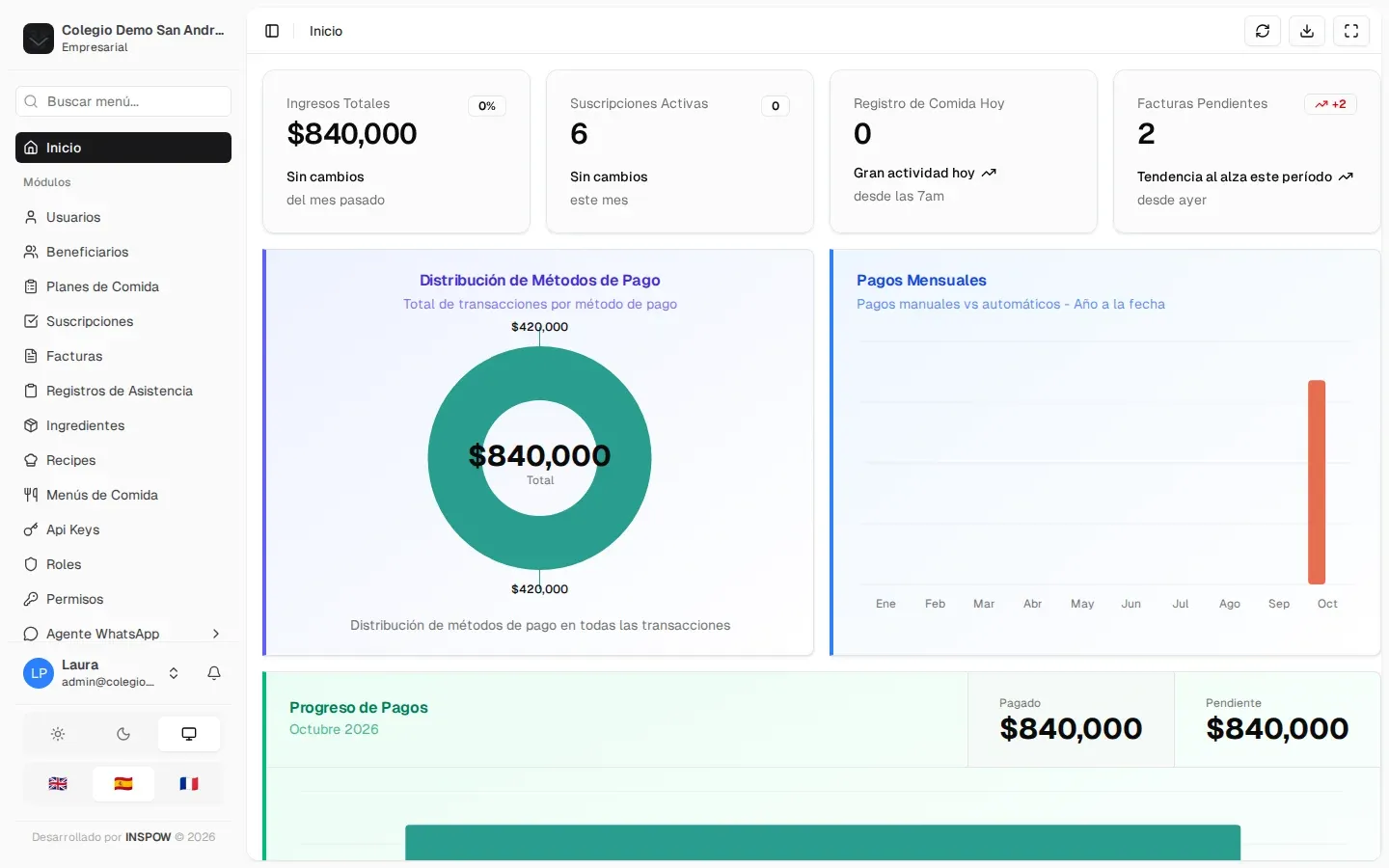
When you sign in you see the Home page (the dashboard) and, on the left, the menu with the modules your role can use.
Management areas
Section titled “Management areas”- Initial setup: your organization, the online sign-up and preferences.
- Members: users, beneficiaries and bulk import.
- Plans and subscriptions: define plans and assign subscriptions to your clients.
- Billing: invoices, payments, payment proofs and automatic renewal.
- Attendance: record who used the service (QR or manual), holidays and reports.
- Food service: ingredients, recipes, menus and costs (sectors with a food service).
- Communication: notifications to your users.
- WhatsApp Agent: an AI assistant that answers your users on WhatsApp, with human supervision.
- Access: your team, roles and permissions.
- Reports and audit: indicators, exports and who changed what.