

Setup
Branding and initial data
Your organization's look, the branding of your sign-up page and how to load your initial data into Inspow.
Before opening the service to your clients, it’s worth getting three things ready: your branding, your initial data and how notifications will reach you.
Branding
Section titled “Branding”- Organization logo, display name and colors: the Inspow team sets them up when creating your organization. If you want to change them, ask support.
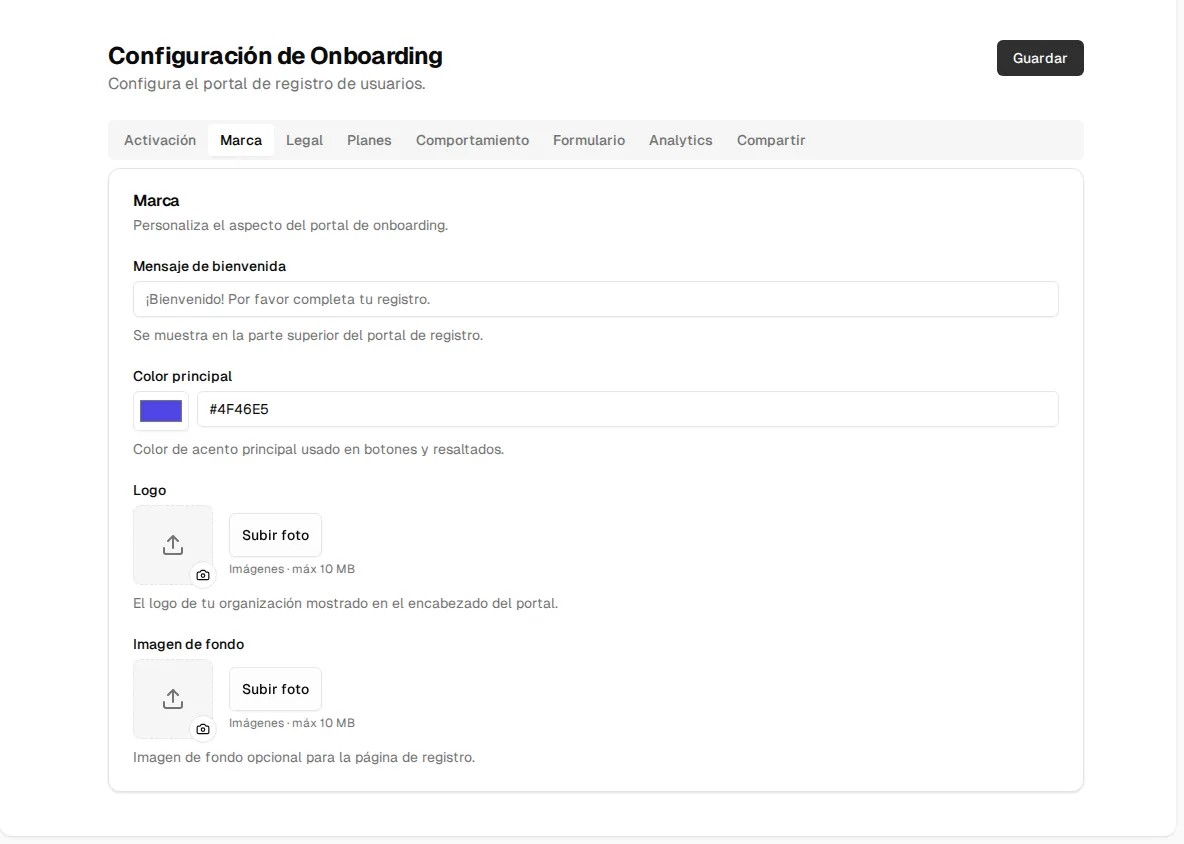
- Branding of your sign-up page: this one you change yourself, in Public registration → Branding: upload the logo and choose the primary color of the buttons. If you leave them empty, the page uses your organization’s.
Initial data
Section titled “Initial data”- Create your plans and review their prices.
- Load your clients: the users (the ones who pay) and their beneficiaries. To load many at once, use the Import button on each list (see Import members).
- Assign them their subscription.
Notifications
Section titled “Notifications”Each person chooses through which channels they receive their notifications (in the platform, email, WhatsApp or push notification) from their user menu → Notifications. See Notifications.