

Getting started
Access problems
Common messages and errors when signing in to Inspow and how to solve them.
If you can’t get in, you’ll usually see a message that explains why. Here are the most common ones and what to do in each case.
Invalid credentials
Section titled “Invalid credentials”If the email or the password is not correct, you’ll see Invalid credentials below the password. Check that the email is spelled correctly and try again. If you don’t remember the password, use Recover your password.
After 5 failed attempts in a row the account is locked for a few minutes (the time grows if you keep failing). Wait or recover your password; the details are in Sign in.
Messages when signing in with Google or Microsoft
Section titled “Messages when signing in with Google or Microsoft”When you sign in with Google or Microsoft and something doesn’t add up, Inspow takes you to an error page with a title, an explanation, the error code and the Back to login button.
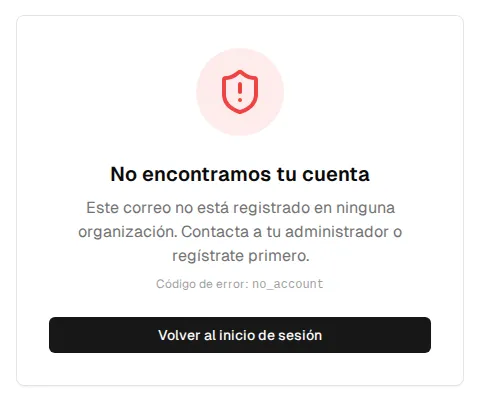
| Message | Code | What it means and what to do |
|---|---|---|
| We couldn’t find your account | no_account | That email isn’t registered in any organization. Contact your administrator or sign up first. |
| Your email is in several organizations | multiple_orgs | Sign in from your organization’s page (subdomain) so Inspow knows which one to access. |
| Sign-up not enabled | registration_disabled | Your organization doesn’t allow automatic sign-up. Contact your administrator. |
| Wrong organization | wrong_org | Your email belongs to another organization. Use its access page. |
| Organization not found | tenant_not_found | The organization couldn’t be identified. Check the link or contact support. |
| Account suspended | tenant_suspended | Your organization’s account is suspended. Your organization must contact support. |
| Account closed | tenant_closed | Your organization’s account was permanently closed. |
| Couldn’t sign in | auth_failed | There was a problem with the provider. Try again. |
Unauthorized access (403)
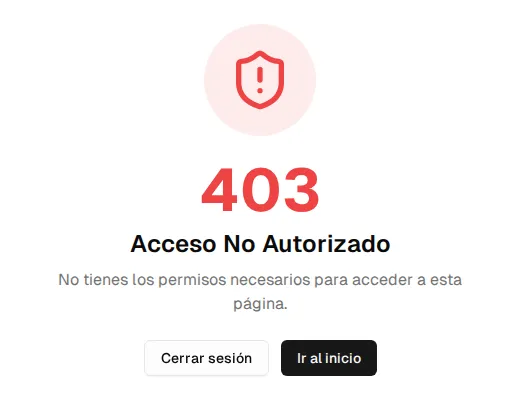
Section titled “Unauthorized access (403)”If you open a page you don’t have permissions for, Inspow shows Unauthorized Access. From there you can Go to home or Sign out. If you think you should have access, contact your administrator.
Page not found (404)
Section titled “Page not found (404)”If you open a link that doesn’t exist —or a section your organization hasn’t enabled— you’ll see 404 · Page not found with a button to go back. Use the app menu instead of old saved links.
Suspended or closed organization
Section titled “Suspended or closed organization”Access also depends on your organization’s status (trial, active, suspended or closed). See the status table in Sign in.